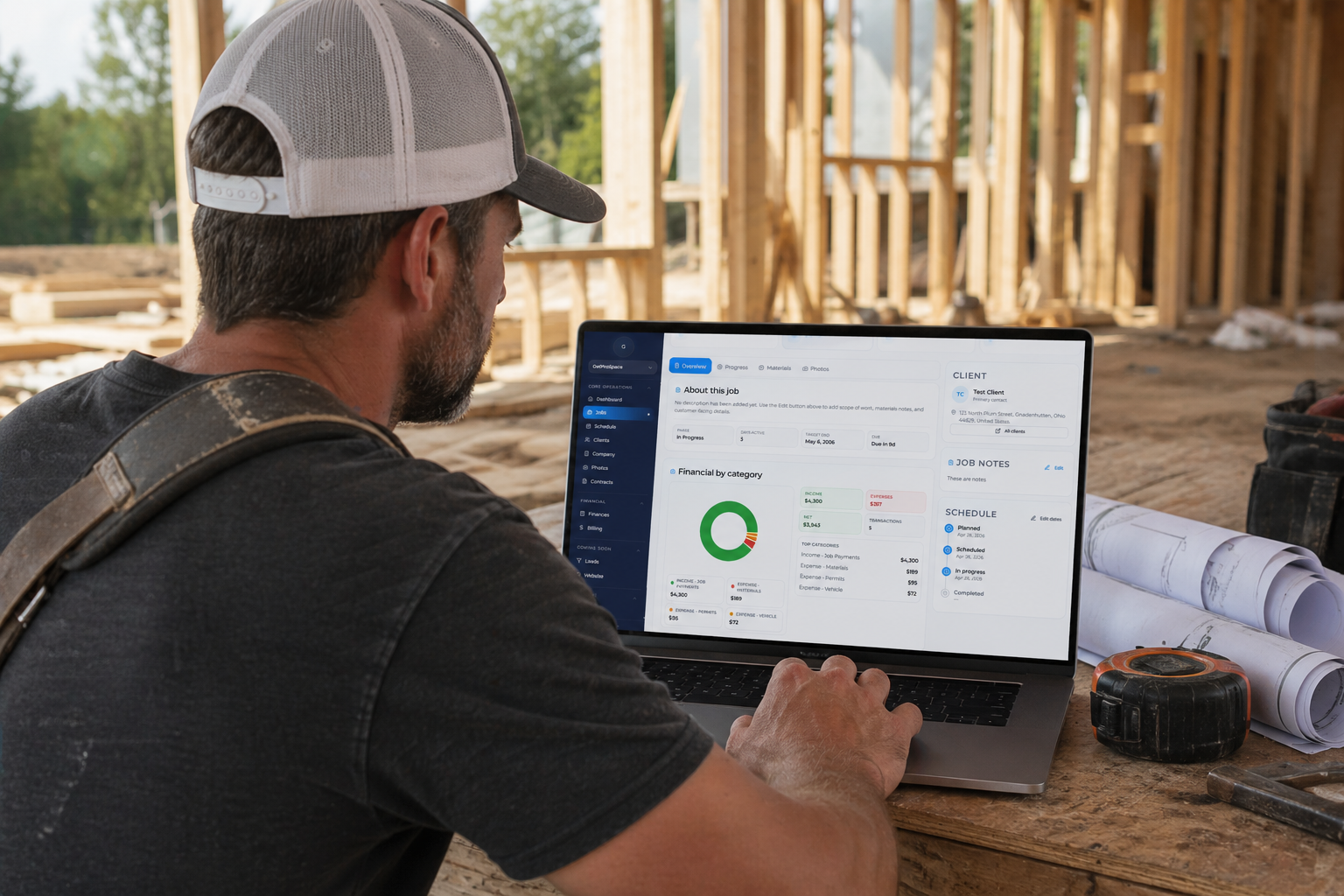
Jobber vs GetProSpace for Small Construction Teams (2026)
Comparing Jobber vs GetProSpace? See how each fits small contractor teams across scheduling, estimates, invoicing, and workflow simplicity.
If you're comparing Jobber vs GetProSpace, you're probably in one of two spots:
- You've outgrown your current setup and need better visibility into jobs and money.
- You're just starting and want to choose the right platform the first time.
Either way, most small contractors are trying to solve the same problem:
too many tools, not enough clarity.
This guide outlines a practical way for small contractor teams to compare both options and choose based on day-to-day workflow fit.
Why Contractors Start Comparing Jobber and GetProSpace
Most teams don't switch software because they enjoy switching. They switch because something starts slowing them down.
Common reasons include:
- You're using multiple apps for estimating, jobs, invoices, and photos.
- Your team is spending too much time updating systems instead of doing billable work.
- You can't quickly answer: "Are we making money on this job?"
- Features are there, but the workflow feels heavy for a small crew.
- You want a simpler setup your office and field team will actually use.
If that sounds familiar, you're not alone. Small construction businesses usually need fewer tools, but better-connected ones.
What to Look for in the Right Fit
Before comparing software names, lock in your criteria. For most 1-10 person contractor teams, these matter most:
1. Job-to-cash workflow with minimal app switching
Can you go from client to estimate to job to invoice with fewer handoffs between tools?
2. Scheduling that matches real field work
Can you quickly move jobs, assign people, and see what's happening this week without a complicated setup?
3. Clear financial visibility by job
Can you review job-linked billing and financial records fast enough to make practical weekly decisions?
4. Photo and documentation flow
Can your team capture photos, organize by job, and share progress cleanly with clients?
5. Fast onboarding and low training overhead
If your crew avoids the app, it doesn't matter how many features it has.
6. Practical pricing for small teams
Look beyond base price. Count add-ons, extra seats, integrations, and time cost.
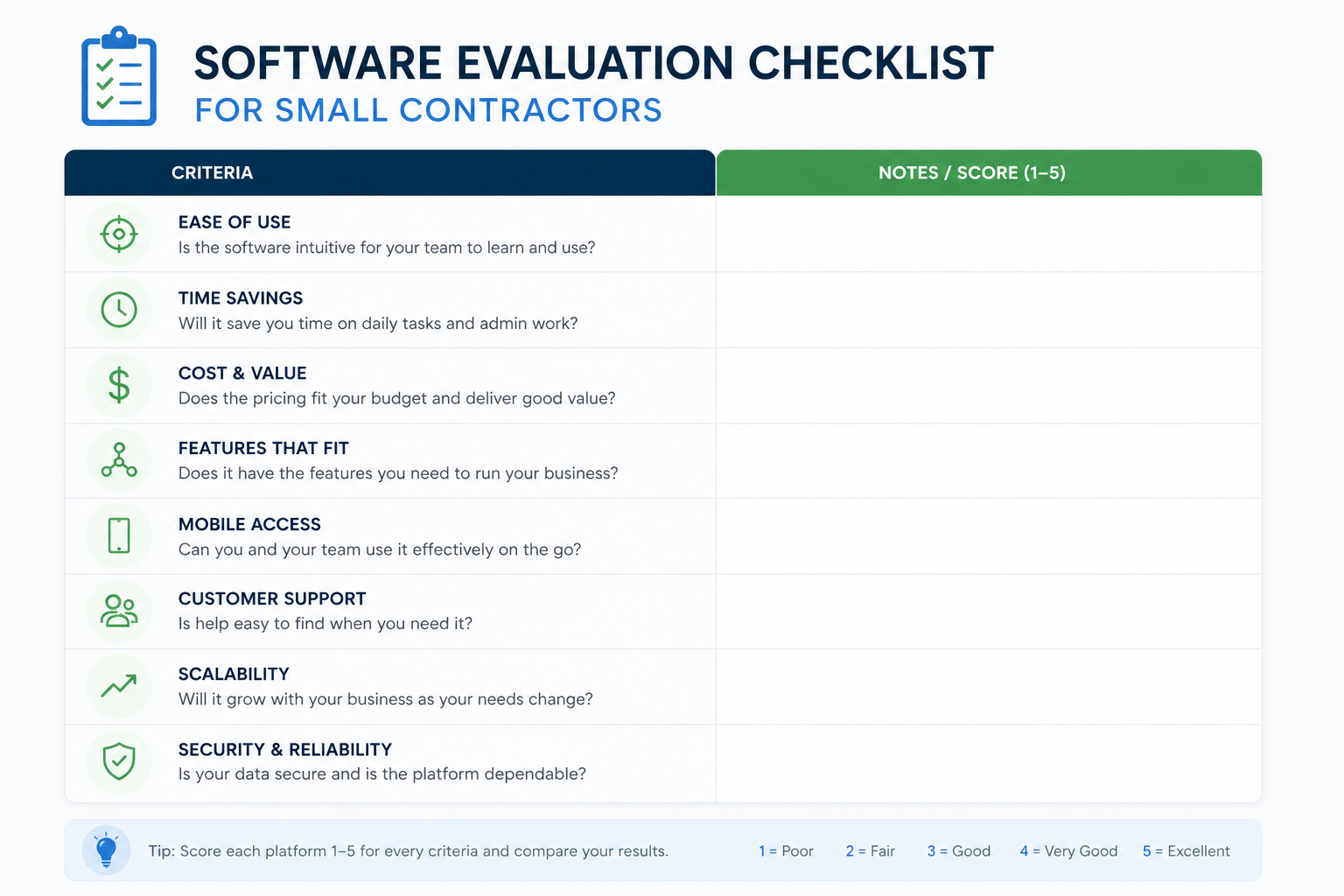
Quick Jobber vs GetProSpace Framework (Use This in 30 Minutes)
When evaluating Jobber vs GetProSpace, score each option 1-5 on:
- Ease of daily use
- Scheduling experience
- Estimating and invoicing flow
- Job financial visibility
- Photo/document handling
- Team adoption likelihood
- Total monthly cost
Then ask one key question:
"Will this reduce our daily logins per role?"
If your office manager or field lead still needs 4+ tools every day, you likely haven't solved app sprawl.
Jobber vs GetProSpace: Typical Fit Patterns
GetProSpace may be a stronger fit if you:
- Want one workspace for jobs, contracts, invoices, photos, and client communication.
- Need simpler workflows for a 1-10 person team that doesn't want heavy setup.
- Want fewer daily tool switches between office and field operations.
- Prefer faster onboarding and a lighter configuration model.
Jobber may be the better fit if your team is already deeply trained there, your current workflow is stable, and short-term disruption is the top concern.
Feature Reality Check
Before deciding, compare what your team will actually use every day:
- Scheduling and job management
- Estimates and invoices
- Contract workflows
- Photo galleries and field documentation
- Day-to-day communication between office and field
Then validate with a real workflow test, not just feature lists:
1. Create one estimate
2. Convert it into an active job
3. Track progress updates and photos
4. Send invoice and confirm payment process
If one system makes those steps faster with less confusion, that is usually the better operational fit.
Migration Mistakes to Avoid
Switching tools can help a lot, but only if you avoid these common mistakes:
Mistake 1: Migrating everything at once
Start with active clients, active jobs, and current templates first.
Mistake 2: Ignoring naming conventions
Standardize status labels, job stages, and invoice naming before import.
Mistake 3: No owner for rollout
Assign one internal owner for 30 days. No owner means no accountability.
Mistake 4: Training too late
Give field and office users role-specific workflows early, not after go-live.
Mistake 5: Measuring nothing
Track 3 metrics weekly:
- Time to create/send estimate
- Time to invoice and collect
- Number of tools used daily by each role
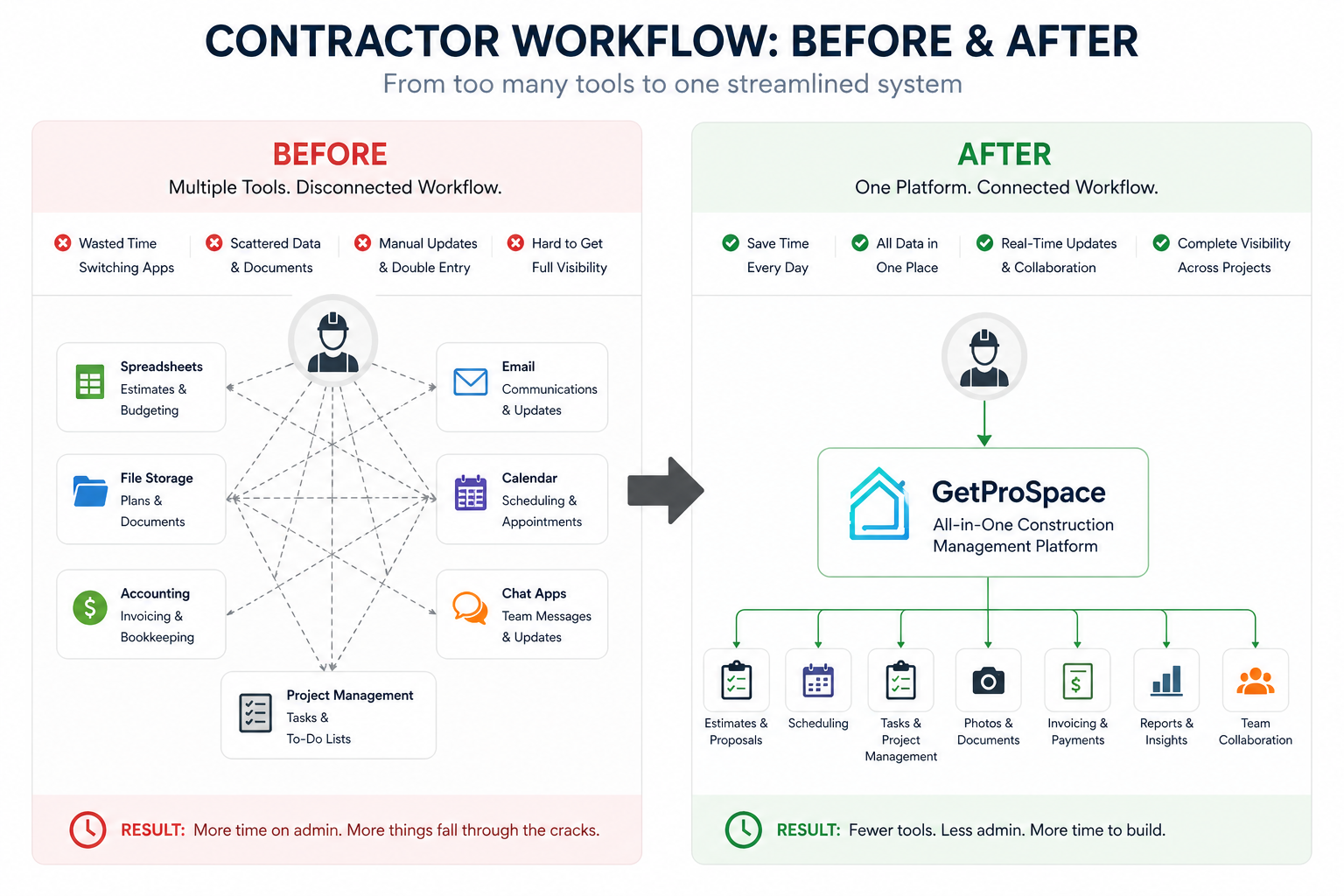
How to Choose Between Jobber and GetProSpace
For small contractor teams, the better platform is often the one that:
- your team actually opens every day,
- helps you move jobs forward faster,
- and makes cash flow and margin easier to understand.
Don't buy based on feature count. Buy based on workflow fit.
A practical test:
Run one real project through your top 2 options.
Estimate it. Schedule it. Track progress. Invoice it. Collect payment.
This usually makes workflow friction easier to spot before a full commitment.
Final Takeaway: Jobber vs GetProSpace
This decision is less about which brand is bigger, and more about this:
Which system gives your team fewer clicks, fewer handoffs, and clearer decisions?
For many small contractors, simpler and tighter workflow can outperform broader but heavier setups.
If a platform reduces app sprawl while improving job and financial visibility, it is likely worth deeper evaluation.
FAQ
Is GetProSpace trying to replace every system we use?
Not necessarily. Many teams keep accounting software and first replace operational tools that create the most friction.
Which is better for small construction teams: Jobber or GetProSpace?
It depends on workflow fit. Teams that prioritize simpler all-in-one operations may lean toward GetProSpace, while teams already optimized in Jobber may stay there.
Should I replace all tools at once?
Usually no. Migrate in phases: active clients, active jobs, and current templates first.
Can we test both without a full migration?
Yes. Run one live project workflow through each system and compare speed, team adoption, and handoff clarity.
How long does switching usually take?
A focused small-team migration can often be done in weeks, not months, if scope is controlled.